 +
+
Marcora + Cursor
Connect Marcora to Cursor and give your AI coding workflow real brand context. Pull your Brand Foundation, apply proven blueprints, and create on-brand content right inside the editor.
Connect Marcora to Cursor
Cursor connects to remote MCP servers through your mcp.json. Add Marcora once, authorize with OAuth, and its tools show up in Cursor Agent.
In Cursor, open Customize from the sidebar. MCP servers are installed and managed here, and can be enabled or disabled per server.
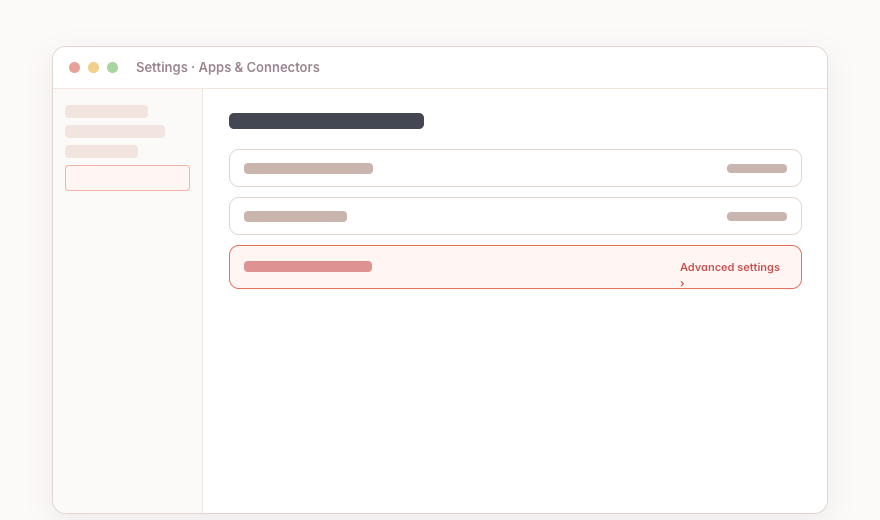 Cursor · Customize
Use a project-level .cursor/mcp.json to scope Marcora to one workspace, or a global ~/.cursor/mcp.json to make it available across every project.
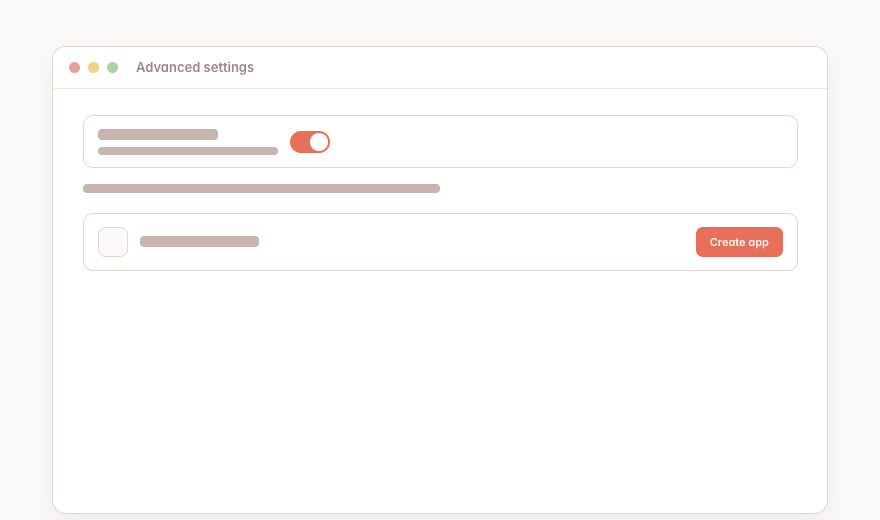 Cursor · mcp.json
Add Marcora as a remote server using its connection URL. Cursor uses the url field for remote MCP servers: { "mcpServers": { "marcora": { "url": "https://mcp.marcora.ai" } } }
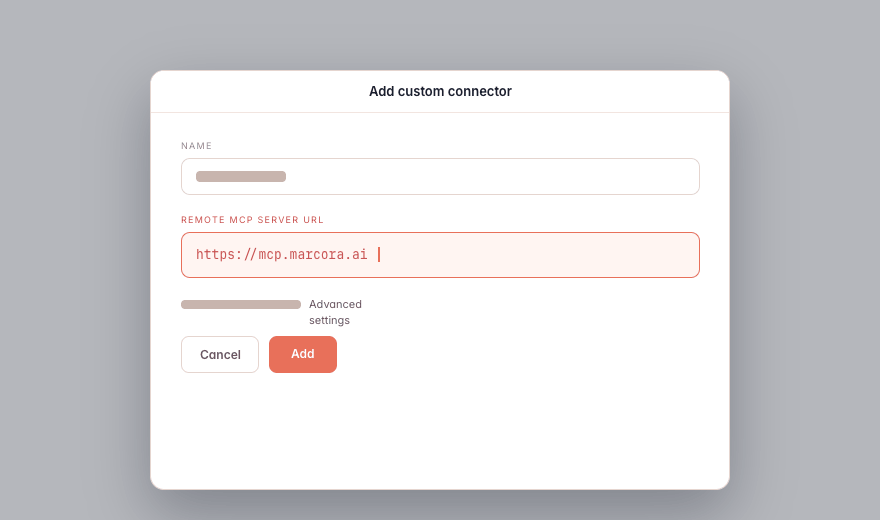 Cursor · mcp.json server entry
Cursor handles the OAuth flow for remote servers that require it. Approve access so Marcora is scoped to your account and permissions.
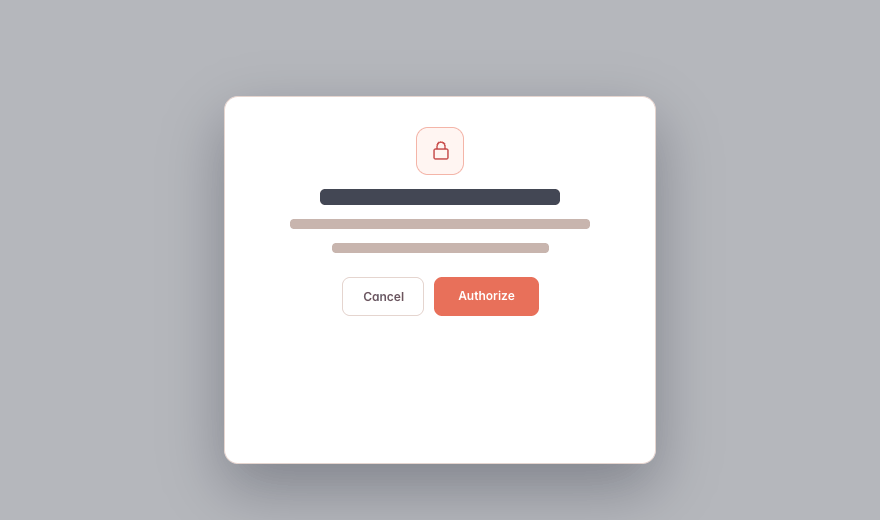 Cursor · OAuth approval
Once the server loads, Marcora's tools appear under Available Tools. Cursor asks for approval before each tool call, and you can inspect the arguments first.
 Cursor · Available Tools
What You Can Do in Cursor
Plain-language asks in Cursor. Marcora tools do the work and hand back a link.
“Use Marcora to pull our brand foundation, then add the positioning summary to the launch brief I'm editing.”
“Find the most relevant Marcora context for enterprise buyer messaging, then draft a concise section I can insert below this heading.”
“Capture these three customer-call notes in Marcora's Customer Research collection, then summarize what changed for the GTM team.”
“Create a Marcora content draft from this README and return a share link for review.”
Cursor-Specific Notes
Available on Cursor's paid plans: Pro, Pro+, Ultra, Teams, and Enterprise. MCP is not advertised on the free Hobby tier. On Teams and Enterprise, an admin may need to allowlist the Marcora server under Dashboard > Settings > MCP first.
Marcora works in Cursor Agent chat and Plan Mode. Its tools show up under Available Tools, and Cursor asks for approval before each call.
Cursor doesn't auto-write Marcora output into your file. Ask Cursor Agent to insert or apply the returned content into the active file.
Use a project-level .cursor/mcp.json to scope Marcora to one workspace, or ~/.cursor/mcp.json to make it available everywhere.


Give Cursor Your Business Context
Connect once and the AI you already use can pull your context, create on-brand, and save it back.
