 +
+
Marcora + ChatGPT
Connect Marcora to ChatGPT and give it the context that makes your work unique. Add it once through Developer mode, and your brand foundation flows in from there.
Connect Marcora to ChatGPT
ChatGPT adds custom MCP apps through Developer mode. Turn it on once under Settings > Apps > Advanced Settings, create the app, and point it at Marcora.
In ChatGPT, go to Settings > Apps and open Advanced Settings to enable Developer mode where your plan supports it.
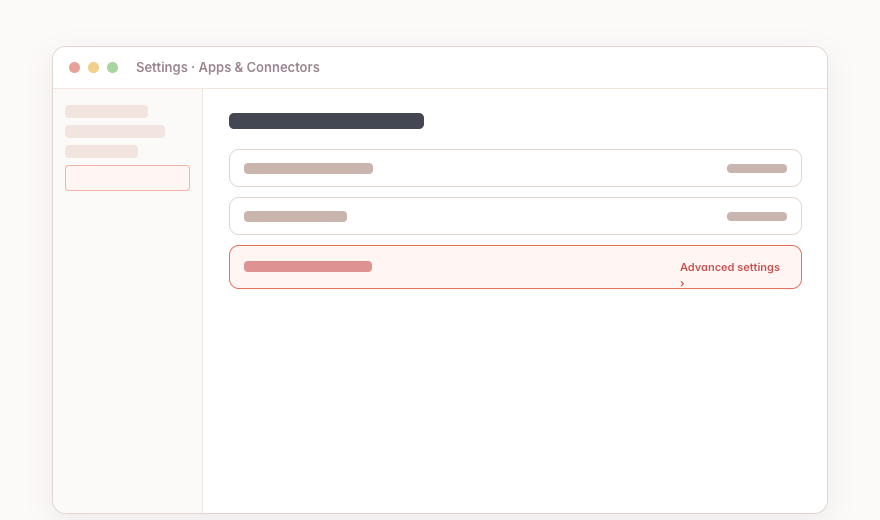 ChatGPT · Settings > Apps
Enable Developer mode, then go to Settings > Apps > Create (workspace admins use Workspace settings > Apps > Create) to add a new MCP app.
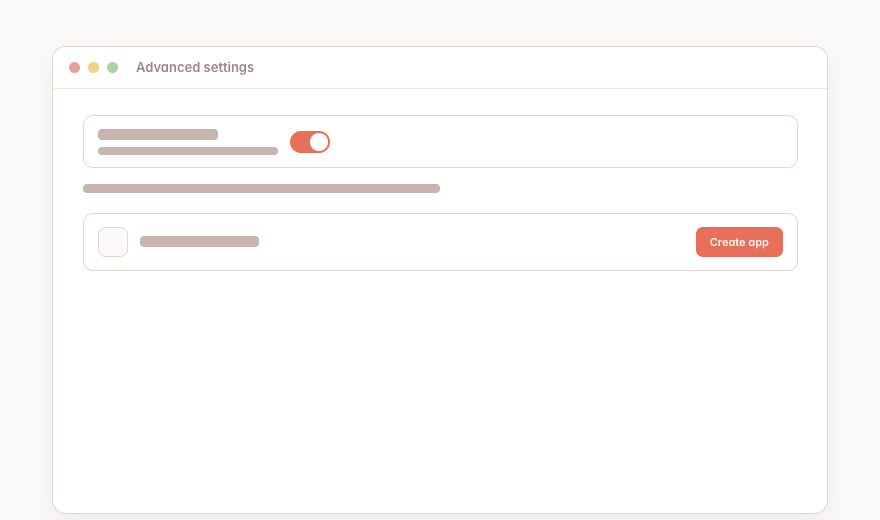 Developer mode · Create app
Enter the Marcora connection URL, add the metadata, choose authentication, click Scan Tools, then Create.
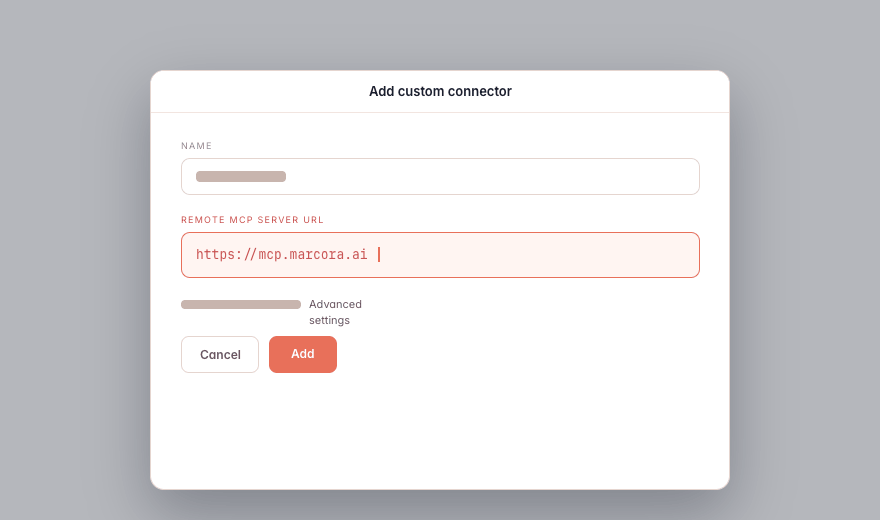 Create app · URL field
What You Can Do in ChatGPT
Plain-language asks in ChatGPT. Marcora tools do the work and hand back a link.
“Pull our positioning from Marcora and tighten this paragraph so it matches our voice.”
“Use the Marcora app to create a one-pager from our Q2 launch brief.”
“Search Marcora for our writing standards and rewrite this in our brand voice.”
“Spin up a project in Marcora for the spring launch and generate a brief.”
ChatGPT-Specific Notes
Full custom-MCP support runs on Business and Enterprise/Edu plans. Pro has limited read and fetch access in Developer mode, and the free tier is not supported.
Enable Marcora per chat from the tools menu, an @ mention, or + > More. There's no documented setting to turn it on by default across every new chat.
The companion Skills are Claude-specific, but every Marcora tool is still available to ChatGPT over MCP.


Give ChatGPT Your Business Context
Connect once and the AI you already use can pull your context, create on-brand, and save it back.
