 +
+
Marcora + Claude Code
Bring your company's brand context into Claude Code. Pull your Brand Foundation, search your Reference Library, and generate on-brand content from the terminal, your IDE, or Cowork, without breaking flow.
Connect Marcora to Claude Code
One connection, three surfaces. Marcora runs as a remote MCP server, so you authorize once and your context is available wherever you work, the terminal, the desktop app, or Cowork. There are two ways to connect: the Claude Code CLI and desktop app share one config, and Cowork connects on its own. Pick yours below.
Claude Code (CLI and Desktop)
The CLI and the desktop app share the same configuration, so one command covers both.
In your terminal, run:
claude mcp add --transport http marcora https://mcp.marcora.ai --scope userThe --scope user flag makes Marcora available across all your projects. The default is local-only.
In a Claude Code session, run /mcp and approve access (or run claude mcp login marcora) to finish the OAuth flow.
Run claude mcp list to confirm Marcora shows as connected, or ask "What's my brand foundation?" It should call get_brand_foundation and return your company overview and brand voice.
Generate a key at app.marcora.ai/integration-settings, then:
claude mcp add --transport http marcora https://mcp.marcora.ai --header "Authorization: Bearer YOUR_API_KEY"The desktop app reads the same config as the CLI, so the command above works as-is, or you can edit .mcp.json / ~/.claude.json directly. There's no separate GUI for adding custom HTTP servers.
Claude Cowork
Cowork is the agentic app inside Claude Desktop. It connects to Marcora over OAuth from Anthropic's cloud, so the server must be publicly reachable (mcp.marcora.ai is). There's no API-key path here, OAuth only.
Go to Customize > Connectors, click Add, and choose Add custom connector.
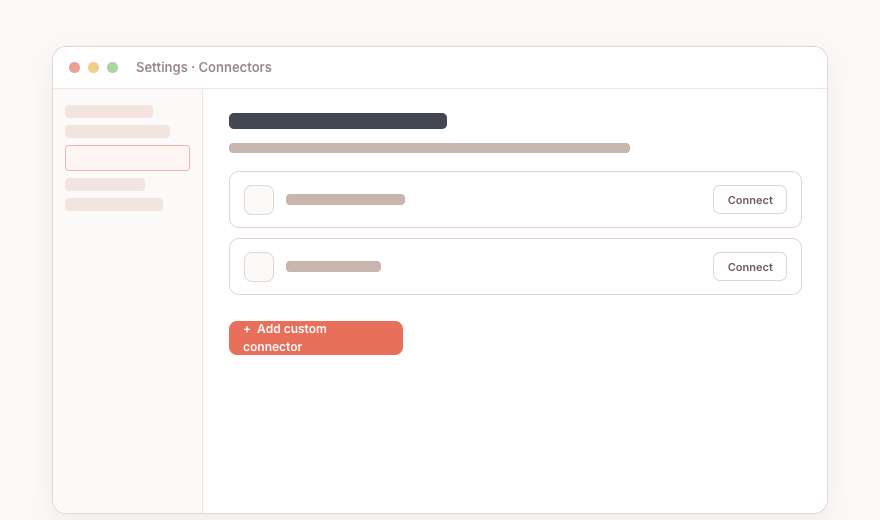 Claude · Customize > Connectors
Enter the Marcora connection URL. If prompted under Advanced settings, add your OAuth Client ID and Secret. Click Add.
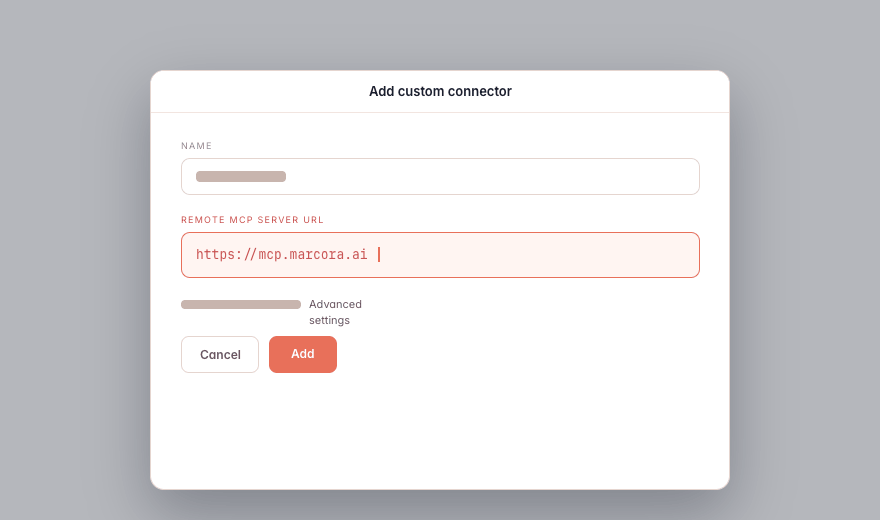 Add connector · URL field
Toggle Marcora on for the conversation, then approve access to finish the OAuth flow.
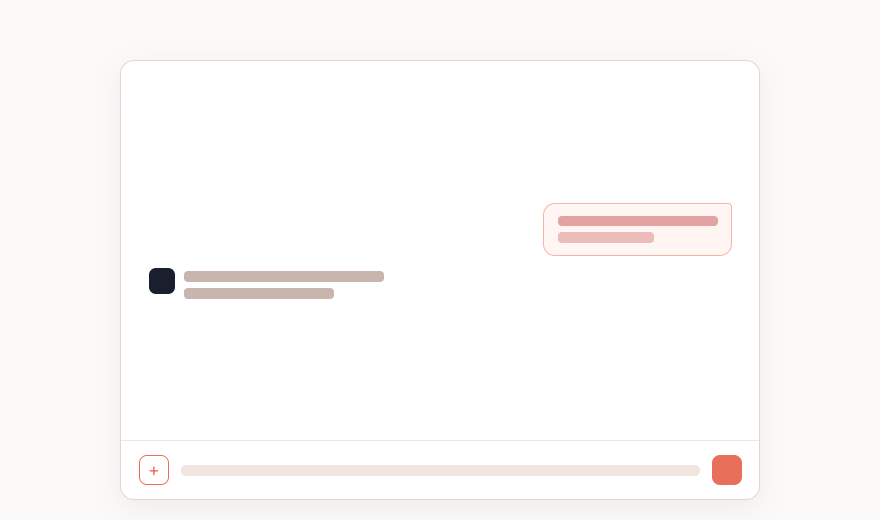 Enable Marcora · in the composer
Ask "What's my brand foundation?" It should call get_brand_foundation and return your company overview and brand voice.
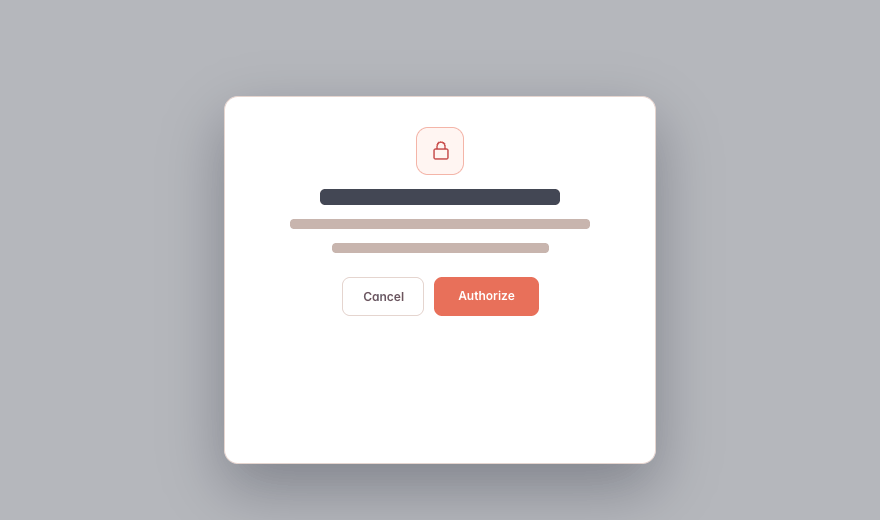 Connect · OAuth approval
What You Can Do in Claude Code
Plain-language asks in Claude Code. Marcora tools do the work and hand back a link.
“Use Marcora to pull our brand foundation, then draft the v2.0 release notes and a launch blog.”
“Search our Reference Library for our API positioning and turn it into a developer quickstart intro.”
“Generate a competitor battle card from the Competitor X blueprint and save it to Marcora.”
“Share this draft with the docs team as a link that expires next Friday.”
Teach Claude Code How Marcora Thinks
Two Anthropic Skills ship alongside the server and give Claude Code Marcora’s mental model, so it knows when to pull context, which blueprint fits, and how to build a workflow.
Claude Code-Specific Notes
Available on Free, Pro, Max, Team, and Enterprise plans. Free is limited to one custom MCP server. On Team and Enterprise, an Owner may need to add the connector for the workspace first.
One connection covers both the Claude Code CLI and desktop app (shared config). Cowork connects separately.
The companion Skills are optional but recommended.
The API-key (Bearer) method is Claude Code only, the CLI and desktop app. Cowork is OAuth-only.
Marcora Goes Everywhere You Do


Give Claude Code Your Business Context
Connect once and the AI you already use can pull your context, create on-brand, and save it back.
