Subscribe: add your plans to your calendar
Subscribe on the Plans calendar gives you private links that add your plans to Google Calendar, Outlook or Apple Calendar. You can also filter the calendar to Content or Steps.
Resources / Changelog
What we've added to Marcora, newest first.
Subscribe on the Plans calendar gives you private links that add your plans to Google Calendar, Outlook or Apple Calendar. You can also filter the calendar to Content or Steps.
A What's new panel now shows you what changed after each release, and the What's new page keeps the full list. Public updates also appear on the Marcora changelog.
A playbook step is now Content, Action or Checklist, and each run gets its own page and, if you choose, its own project. A content step can start drafting a set number of days before its due date.
When a call fits one of your playbook templates, Marcora suggests the whole playbook, with a quote from the call. Select Run playbook and the run opens filled in from the call.
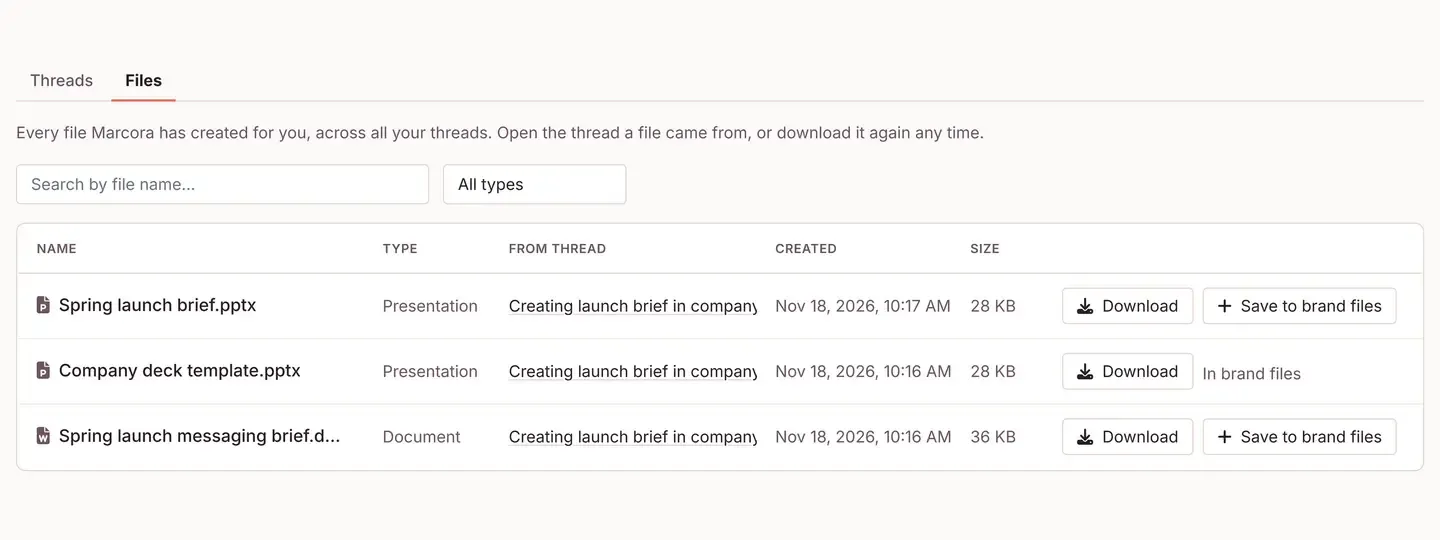
Every file Marcora makes is kept in a Files tab with no expiry date, and you can attach your own files to a message. Save a company deck or letterhead as a brand file and Marcora starts from it in every new thread.
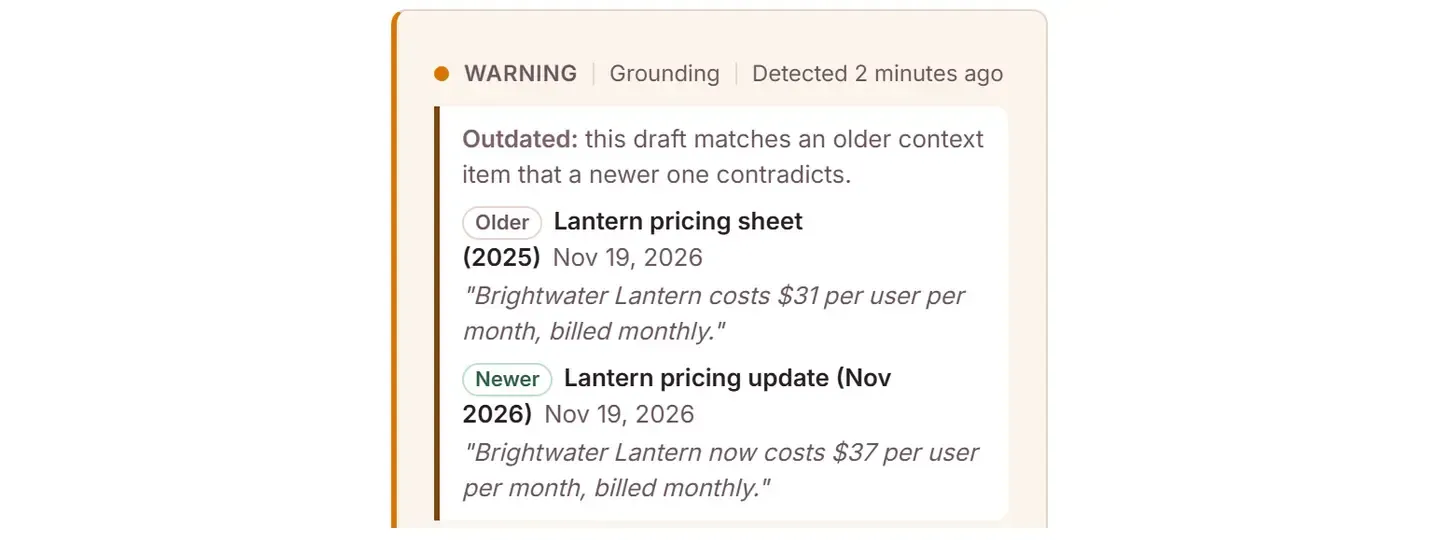
Grounding checks a document's claims against your reference library, and you can fix the document or add missing facts to your library from the result. When two of your own sources disagree, it follows the newer one and shows you both.
Add a collection such as Positioning, Customer Research or Launch & GTM, and Marcora draws on its passages when it drafts and plans. Each collection names its sources.
The External shares tab under Content lists every share link, when it was opened, roughly where from, and whether the same viewer came back. Open tracking needs a paid plan.
Import calls from Fathom, Gong, Fireflies, Google Meet, Wispr Flow and Microsoft Teams, or upload a transcript, and draft from what was said. Imports from call apps are in Beta.
Marcora is now available in ChatGPT and in Claude's connector directory. Connect your Marcora account and your chats draw on your team's Brand Foundation and Reference Library.
Memory Settings, in the account menu, lets you turn memory on or off, edit a memory, or delete one or all of them. Memories are yours alone and kept per team.
The health check looks for gaps and conflicts in your context before they show up in your content, and gives each finding a suggested update. Nothing changes until you accept one.
Message Marcora or @mention it in Microsoft Teams or Buzz, and it answers and drafts from your team's context. Each person connects their own Marcora account once.
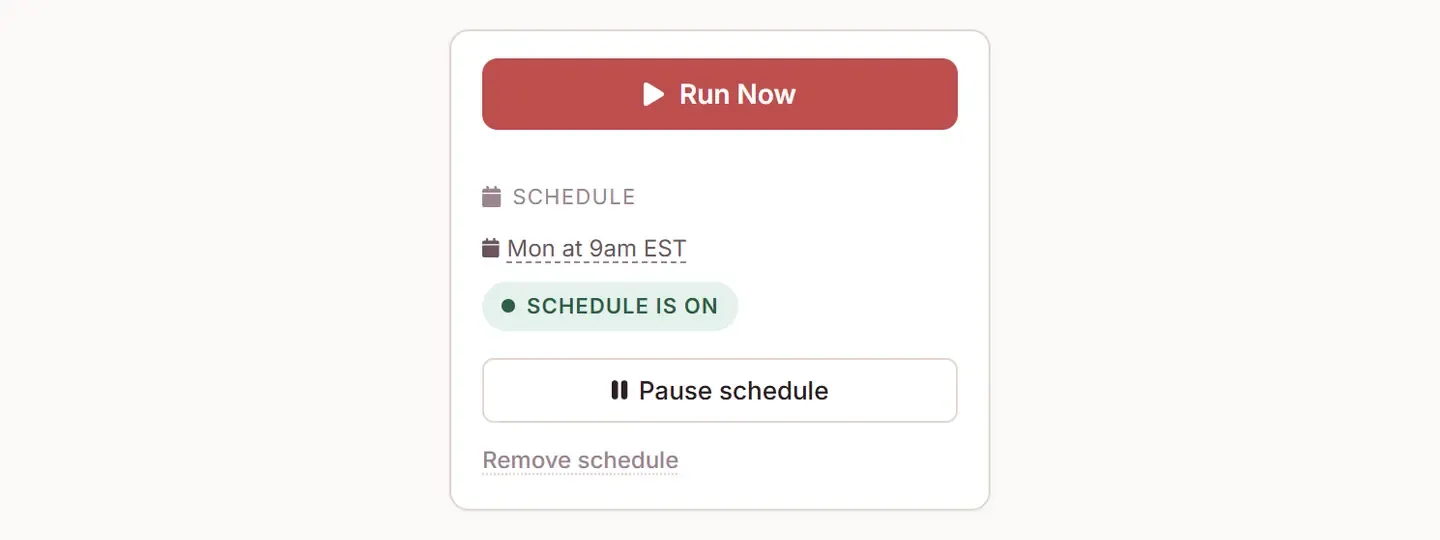
Tell Marcora the routine you want and it builds the workflow, which you can run on demand or on a daily or weekly schedule. Every run is kept in Run History, where you can retry or cancel it.